Top 5 AI tools for developers today
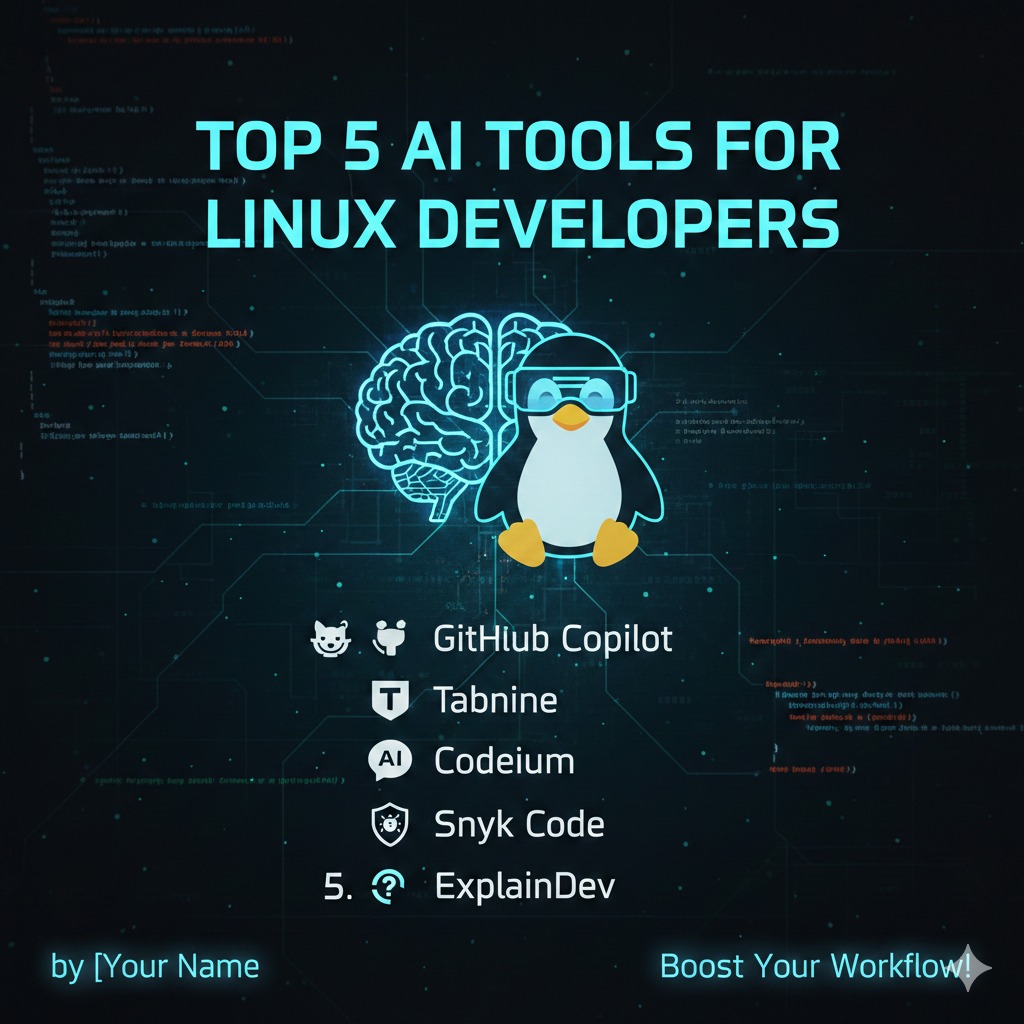
Hey fellow Linux developers! The world of AI is changing *everything*, and coding is definitely no exception. We're seeing some amazing tools pop up that can help us write better code, faster, and even debug more efficiently. I've been diving deep into the AI-powered development space, and I've put together my list of the top 5 AI tools you should be checking out today. And the best part? They play nicely with our beloved Linux!
1. GitHub Copilot: Your AI Pair Programmer
First up is the big one: GitHub Copilot. This tool uses OpenAI's Codex to suggest code completions and even entire function blocks as you type. Think of it as an AI pair programmer sitting right next to you, offering helpful suggestions and saving you tons of time. It integrates seamlessly with VS Code (which runs great on Linux!) and supports a wide range of languages, including Python, JavaScript, Go, and more.
- Pros: Excellent code completion, supports multiple languages, integrates well with VS Code.
- Cons: Requires a subscription, can sometimes suggest incorrect or suboptimal code (always double-check!).
2. Tabnine: AI Autocomplete for Any Editor
If you're not a VS Code user, or you want a more editor-agnostic solution, Tabnine is an excellent alternative. It offers similar code completion capabilities as Copilot, but supports a wider variety of IDEs and text editors, including Vim, Emacs, Sublime Text, and IntelliJ IDEA, all of which are popular among Linux developers. They even offer a self-hosted option for increased privacy and control!
- Pros: Works with many editors, offers a free plan, self-hosted option available.
- Cons: Can be resource-intensive, code suggestions might not be as nuanced as Copilot's.
3. Codeium: Free AI Code Completion and Chat
Codeium is a relatively new player in the AI coding assistant space, but it's making waves with its generous free plan. It provides intelligent code completion, chat assistance to help understand code, and even code generation from natural language prompts. It integrates with various popular IDEs like VS Code, JetBrains, and more, and boasts strong support for Python, JavaScript, and Java.
- Pros: Strong free plan, excellent chat assistance, supports multiple IDEs.
- Cons: Newer tool, so the community and documentation are still growing.
4. DeepCode (now part of Snyk Code): AI-Powered Code Review
Writing code is only half the battle; you also need to make sure it's secure and bug-free. Snyk Code, formerly known as DeepCode, uses AI to analyze your code and identify potential security vulnerabilities, bugs, and performance issues. It integrates with your CI/CD pipeline and alerts you to problems before they make it into production. A crucial tool for ensuring code quality.
- Pros: Helps find bugs and security vulnerabilities, integrates with CI/CD.
- Cons: Primarily focused on security, may not catch all types of coding errors.
5. ExplainDev: Understand Complex Code Blocks
Ever stared at a block of code and felt completely lost? ExplainDev is here to help. You can paste in code snippets, and it will use AI to generate a human-readable explanation of what the code does. This is incredibly useful for understanding unfamiliar codebases, reverse engineering, or just clarifying complex logic. While not strictly a coding *tool*, it drastically improves your ability to work with code.
- Pros: Excellent for understanding complex code, supports multiple languages.
- Cons: Doesn't write code for you, focuses solely on explanation.
So there you have it, my top 5 AI tools for developers! These tools can significantly boost your productivity and improve the quality of your code. Give them a try and see how they can transform your Linux development workflow! Remember to always use your best judgment and double-check the AI's suggestions – after all, you're still the one in charge!